SVG Files for Cricut: A Design Library or Single Files?
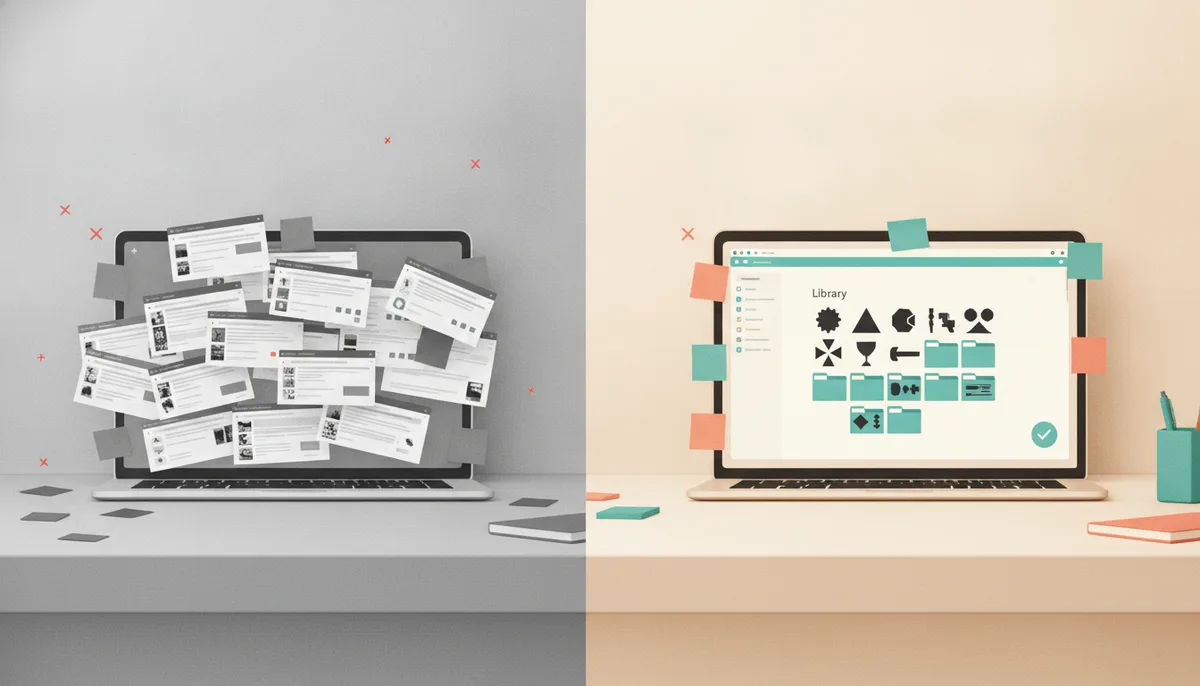
Single files make sense when you need one specific design; a library makes sense when you will cut many different things and want to find them fast. The right choice depends on what you make, how often, and whether you sell. Here is how to compare them, with the checks that matter before you spend money.
What an SVG file is
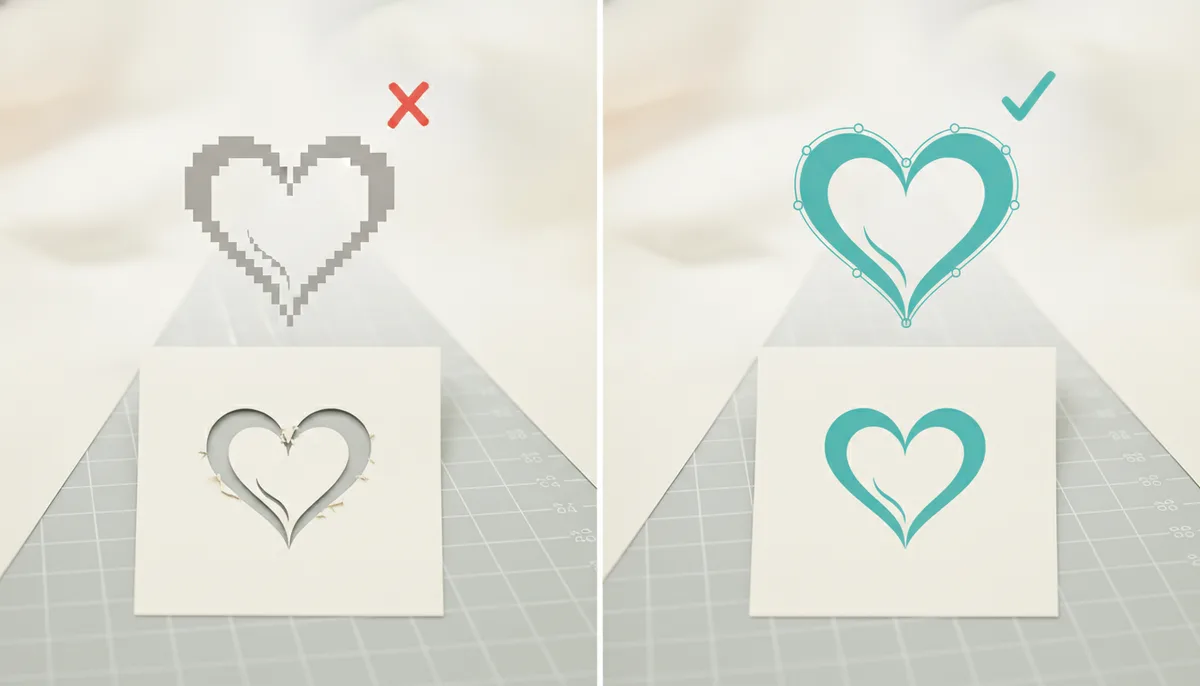
SVG is a vector format. It stores shapes as paths, so you can scale a design from a small sticker to a large wall piece without blur. Cutting software reads those paths as cut lines. Layers in the file become separate colors or materials.
Single files and bundles
| Single files or small bundles | A large library | |
|---|---|---|
| Best for | One project or a specific design | Many projects over time |
| Cost per design | Higher if you need many | Lower across many designs |
| Finding designs | Browse each seller's shop | One search, one place |
| Consistency | Varies by seller | Same format, same license |
| Risk | Different terms each time | Check one set of terms |
What to check on any SVG source
- File formats. SVG is standard. A DXF version helps if your software is a basic edition that cannot open SVG. See which files work on Cricut and Silhouette.
- Preview. Can you see the real file before you download or pay, or only a mockup photo?
- Cut quality. Look for clean paths, welded lettering and no hairline details.
- Organization. Categories, search and one download per design save time. Without them, a large set becomes a pile of files.
- License. Read what you may do with finished products and what you may not do with the files.
- Originality. Designs should not copy brand logos, characters or team marks.
- Support. A way to ask when a file does not open.
The license questions
| Question | Why it matters |
|---|---|
| Can I sell products made from the files? | Needed if you sell at all |
| Can I resell the files themselves? | Most licenses say no |
| Is it per person or per business? | Partners and employees may differ |
| Are there limits on units? | Some licenses cap quantities |
| Does the license come in writing? | Keep a copy with your order |
When a library is the better choice
- You make many different items: shirts, mugs, signs, cards.
- You want seasonal designs without hunting for each one.
- You sell and want one set of terms to keep track of.
- You use more than one machine and need both SVG and DXF.
When single files are enough
- You need one particular design and will not be back.
- You have a favorite designer whose style you like.
- You are not yet sure the hobby is for you.
How CutNest Design Library handles these checks
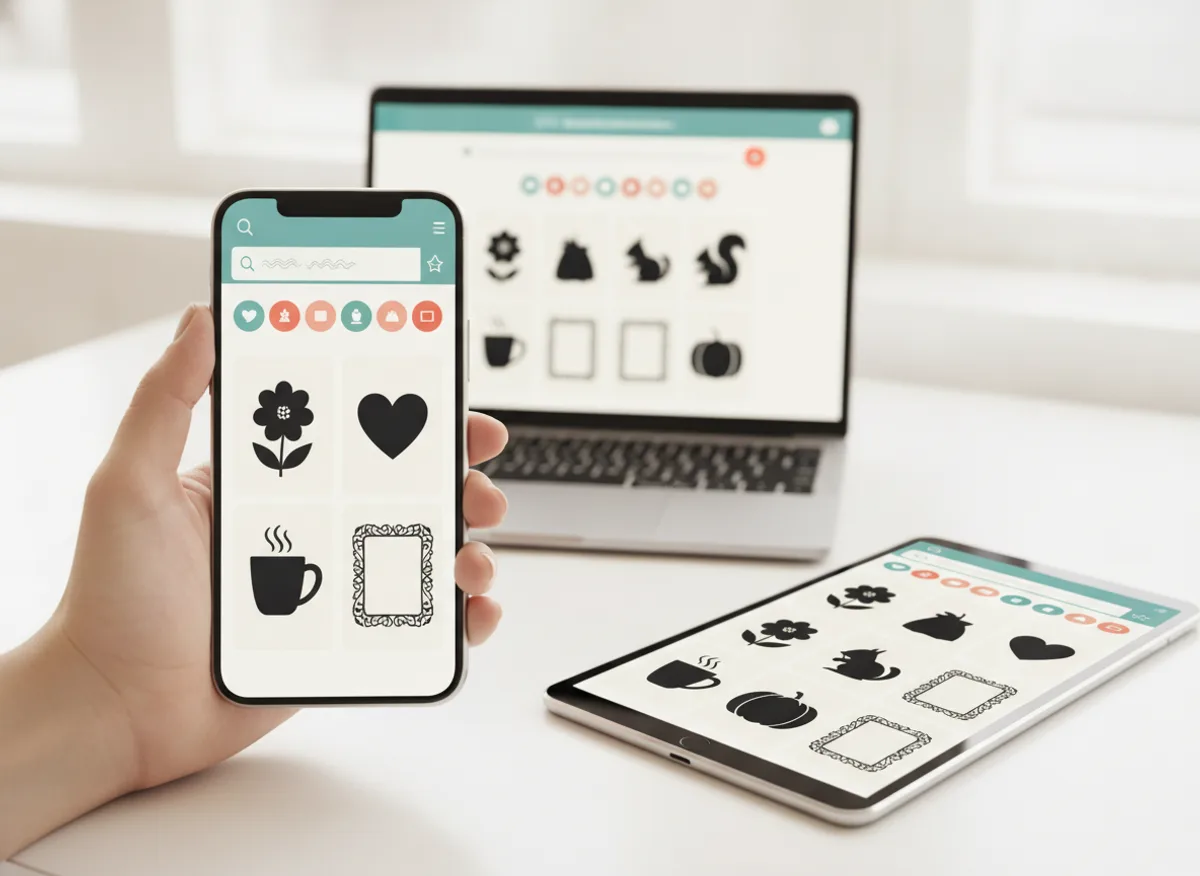
CutNest Design Library is a library organized in 60 categories, from seasonal ones such as Christmas and Halloween to floral, faith, kitchen and many more. Each design is SVG, and the ZIP for each category also includes DXF files. The CutNest Finder web app lets you search, filter by category and preview the real SVG before you download one design at a time. The package includes a Commercial License PDF that lets you make and sell physical products, but not resell or share the files, plus a Start Here guide, 12 project guides, a sticker collection and an open-license font collection.
A simple decision rule
If you expect to cut more than a handful of different designs this year, or you plan to sell, start with an organized library. If you have one project, buy that file.
Compare with a subscription in Cricut Access vs owning a design library. Once you have files, learn how to upload an SVG to Cricut Design Space, and browse seasonal ideas in Christmas SVG cut files.
CutNest is not affiliated with Cricut. Brand names appear only to describe compatibility and the topic searched.